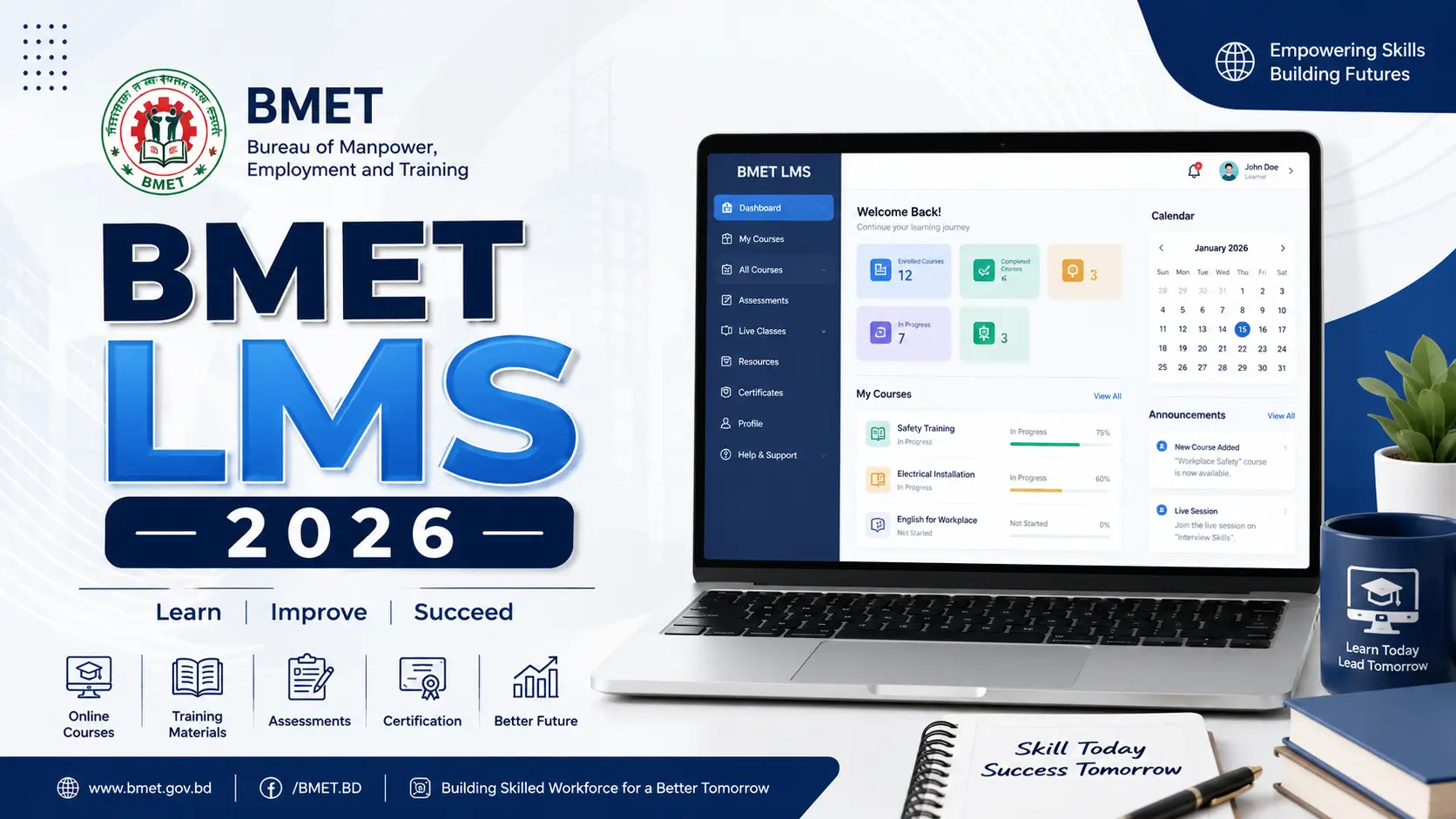
BMET LMS 2026: Complete Guide to Bangladesh Official Training Portal
BMET LMS (Bureau of Manpower, Employment and Training Learning Management System) is an online learning platform designed to provide training, skill development, and educational resources for job seekers and overseas workers. It helps users access courses, training materials, assessments, and certifications to improve their professional skills and employment opportunities.
What Is BMET LMS?
BMET LMS is the official online training system of the Bureau of Manpower, Employment and Training, accessible at training.oep.gov.bd.
It connects aspiring overseas workers with government-approved courses at Technical Training Centres (TTCs), Institutes of Marine Technology (IMTs), and District Employment and Manpower Offices (DEMOs) across Bangladesh — all in one place.
Instructors manage batches, track student progress, and issue certificates digitally. Once your certificate is approved, it automatically appears in your Aspirant Migrant Portal profile, where recruiting agencies and employers can verify it directly.
| Feature | Details |
|---|---|
| Official URL | training.oep.gov.bd |
| Operated by | Bureau of Manpower, Employment and Training (BMET) |
| Ministry | Ministry of Expatriates’ Welfare and Overseas Employment |
| Established | Part of the OEP system, operational since 2016 onwards |
| Institutions covered | TTCs, IMTs, DEMOs across Bangladesh |
| Certificate access | Digital, through Aspirant Migrant Portal |
Who Should Use BMET LMS?
The platform is designed for three main groups:
Aspiring Migrant Workers — Bangladeshi citizens who want to work abroad and need government-recognized skills training before departure.
Training Institutions — Technical Training Centres (TTCs), Institutes of Marine Technology (IMTs), and District Employment and Manpower Offices (DEMOs) that deliver the courses and manage student records.
Instructors and Administrators — Staff at registered training institutions who use the system to assess students, manage batches, and issue certificates.
If you are a worker preparing to go overseas — whether to Saudi Arabia, Qatar, UAE, Malaysia, South Korea, Japan, or another destination — you need to be registered on the broader OEP (oep.gov.bd) system, of which BMET LMS is a core part. Your training record here directly affects your eligibility for emigration clearance.
How to Register on BMET LMS
Registration on the BMET LMS is connected to the main Overseas Employment Platform (OEP) registration. You do not create a separate account.
Step-by-Step Registration
- Go to oep.gov.bd and click Register as Aspirant Migrant
- Verify your identity using your National ID (NID)
- Complete your personal profile including passport details, skills, and work history
- Once registered on OEP, go to training.oep.gov.bd
- Click Login and use the same email and password you set during OEP registration
- Your dashboard now shows available training options based on your profile
Important: Your mobile number must be linked to your NID for OTP verification to work. If the verification fails, contact your nearest District Employment and Manpower Office (DEMO) for assistance.
Real-world example: Rahim from Cumilla wants to work as a construction worker in Qatar. He registers on OEP with his NID, sets up his profile, and logs into BMET LMS. He finds a 3-month construction trade course at his nearest TTC in Cumilla, enrolls online, completes the training, and downloads his certificate — all tracked digitally. His recruiting agency can verify the certificate directly through the platform before sending his file to the employer.
Available Courses and Training Programs
BMET LMS connects learners to courses offered at government TTCs, IMTs, and DEMOs across Bangladesh. The courses fall into several categories:
Trade and Skills Courses (at TTCs)
These are the most common courses for workers heading to Middle Eastern countries and Southeast Asia. They cover trades like:
- Construction (masonry, rod binding, shuttering)
- Electrical works
- Plumbing and pipefitting
- Welding and fabrication
- Garment machine operation
- Driving and auto mechanics
- Hospitality and housekeeping
Course duration varies from 3 months to 6 months depending on the trade and level.
Marine Technology Courses (at IMTs)
For workers heading into marine or shipbuilding industries. Offered at Bangladesh Institute of Marine Technology (BIMT) and related institutions.
Pre-Departure Orientation (PDO)
A mandatory short course for all outbound workers, usually 1 to 3 days, covering workers’ rights, destination country laws, contact information for Bangladesh missions abroad, and what to do if job conditions differ from the contract.
Language Courses (BMET E-Learning Centre)
Foreign language training including Arabic, Korean, Japanese, and English, offered through e-learning.oep.gov.bd with live evening sessions from 6:00 PM to 9:00 PM BST to suit working professionals.
| Course Type | Duration | Institution | Linked to LMS |
|---|---|---|---|
| Trade/Skills (TTC) | 3 to 6 months | TTCs nationwide | Yes |
| Marine Technology | 2 to 4 years | IMTs | Yes |
| Pre-Departure Orientation | 1 to 3 days | DEMOs | Yes |
| Language (E-Learning) | Varies by course | BMET E-Learning | Yes |
How to Enroll in a Course
- Log into training.oep.gov.bd with your OEP credentials
- Browse available courses or use the search function at training.oep.gov.bd/all-course
- Select the course and institution that matches your location and trade
- Check the batch schedule and available seats
- Click Enroll and confirm your enrollment
- Complete the online payment through the integrated payment system (Sonali Bank or mobile banking options listed on the portal)
- Attend training at the physical TTC or DEMO on the scheduled dates
- For language courses, join live sessions at e-learning.oep.gov.bd at your scheduled time
One detail most guides skip: After enrolling, save your Payment SL (Serial) number. If there is any payment discrepancy or enrollment issue, this number is what the institution uses to trace your record. Students who lose it have reported delays of up to 2 weeks getting their enrollment confirmed.
How to Download Your BMET LMS Certificate
Once you complete a course and your attendance and assessment records are confirmed, the certificate goes through an approval chain: from the institution principal to the Director General of BMET. After final approval, it becomes available for download.
To download your certificate:
- Log into your account at training.oep.gov.bd
- Go to your Dashboard and click on My Certificates
- Find the course you completed and click Download
Alternatively, you can download via passport or NID number:
- Visit the certificate download section on oep.gov.bd
- Enter your Passport Number or NID
- Enter the captcha and click Search
- If the certificate has been issued, the download button appears next to your name
What “Payment SL Status: Unpaid” means: If you see this on the download screen, it means your fee payment was not confirmed in the system. Do not re-enroll. Contact your training institution first with your payment confirmation slip — the issue is almost always a bank reconciliation delay, not a failed payment.
BMET E-Learning Centre
The BMET E-Learning Centre (e-learning.oep.gov.bd) is a separate but connected digital training hub under BMET. It focuses specifically on foreign language and specialized international skills training.
Key features:
- Courses developed under BMET academic supervision with standardized curricula
- Live online sessions from 6:00 PM to 9:00 PM BST — designed for people who work or study during the day
- Connects students from all 64 districts to instructors across Bangladesh
- Certificates issued through the same LMS approval system and visible in the Aspirant Migrant Portal
The E-Learning Centre addresses a real problem: workers in rural areas far from a TTC often had no access to quality language training. A garment worker in Narail preparing to go to Jordan can now attend live Arabic lessons in the evening without traveling to Dhaka.
PDO and Emigration Clearance
The Pre-Departure Orientation (PDO) is not optional. Every outbound worker must complete it before receiving their Emigration Clearance (EC) Card.
The process works like this:
- Complete your skills training at a TTC or IMT (if required for your trade)
- Your recruiting agency selects your profile from the BMET skill database
- You complete the PDO at a DEMO or approved institution
- Your PDO certificate is generated through the LMS and linked to your OEP profile
- Apply for emigration clearance at oep.gov.bd/emigration-clearance
- Download your EC Card digitally once approved
- Arrive at the airport with your EC Card and air ticket
The BMET LMS sits at the heart of this chain. Without a training certificate and PDO record in the system, emigration clearance cannot be processed. Workers who skip training and try to go directly through a recruiting agency often find their file stuck at the clearance stage.
Common Problems and How to Solve Them
Problem 1 — Cannot log in to training.oep.gov.bd Make sure you are using the email and password from your OEP registration, not a new account. The BMET LMS does not have a separate login — it uses OEP credentials.
Problem 2 — Certificate not appearing after course completion The approval chain takes time. After your institution submits records, the principal must approve, then it goes to BMET’s Director General level. This can take 7 to 14 working days after training completion. If it takes longer, contact your TTC principal directly.
Problem 3 — Payment confirmed on mobile banking but not reflected in LMS This is a bank reconciliation issue, not a failed payment. Keep your payment confirmation screenshot or receipt. Show it to the TTC admin office. They can manually verify and update the record.
Problem 4 — Wrong course enrolled or wrong institution selected Contact the institution’s admin before the batch starts. Once a batch begins, changes are difficult to make through the portal and require direct coordination with the TTC and BMET district office.
Problem 5 — OEP registration stuck due to NID mismatch If your name or date of birth on your NID does not match exactly what you entered during registration, verification fails. Visit your nearest DEMO office with your original NID to resolve it in person.
FAQS
1. What is the BMET LMS and where is it located?
BMET LMS is the official Learning Management System of the Bureau of Manpower, Employment and Training of Bangladesh. It is accessible at training.oep.gov.bd and manages skill training courses for aspiring overseas workers across all government TTCs, IMTs, and DEMOs.
2. Do I need to create a separate account for BMET LMS?
No. You use the same login credentials as your OEP (oep.gov.bd) account. Register once on OEP and log into BMET LMS with the same email and password.
3. Is registration on BMET LMS free?
Registration on OEP and access to the BMET LMS portal is free. Course fees vary depending on the trade and institution but are generally subsidized by the government. Some courses are fully government-funded.
4. How long does it take to get a certificate after completing a course?
After course completion and assessment, the certificate approval process takes approximately 7 to 14 working days due to the multi-level approval chain from institution to BMET Director General.
5. Can I download my BMET certificate using my passport number?
Yes. Go to the certificate download section on oep.gov.bd, enter your passport number, complete the captcha, and download if the certificate has been approved and issued.
6. What is the Pre-Departure Orientation (PDO) and is it mandatory?
PDO is a 1 to 3 day orientation covering workers’ rights, destination country laws, and emergency contacts. It is mandatory for all outbound workers and must be completed before applying for an Emigration Clearance Card.
7. What courses are available on BMET LMS?
Courses cover construction, electrical work, plumbing, welding, driving, garment operation, hospitality, marine technology, and foreign languages including Arabic, Korean, Japanese, and English.
8. Can my employer or recruiting agency verify my certificate online?
Yes. Once your certificate is approved through the BMET LMS, it appears automatically in the Aspirant Migrant Portal where registered recruiting agencies and employers can verify it directly.
9. What should I do if my payment shows as “unpaid” in the system?
Do not make a second payment. Contact your training institution’s administration with your original payment confirmation. It is usually a bank reconciliation delay and can be resolved within 2 to 5 working days.
10. What is the difference between BMET LMS and BMET E-Learning Centre?
BMET LMS (training.oep.gov.bd) manages all government TTC, IMT, and DEMO training courses. BMET E-Learning Centre (e-learning.oep.gov.bd) focuses specifically on language and international skills training delivered online, with live evening sessions.
Conclusion
The BMET LMS is not just a training portal it is a core part of the entire overseas employment process in Bangladesh. Your training record here is what enables emigration clearance, makes your profile visible to recruiting agencies, and gives overseas employers confidence in your skills.
Do not wait until your visa is ready to start this process. Training batches fill up, and the certificate approval process takes time. The earlier you register on oep.gov.bd and enroll through training.oep.gov.bd, the smoother your path to working abroad will be.
If you run into problems with login, payment, or certificate download, your nearest District Employment and Manpower Office (DEMO) is your first point of contact. They have trained staff to resolve OEP and LMS issues in person.